
SUCCESS & ERROR ILLUSTRATIONS
For the wins.
And the whoops.
20 hand-drawn illustrations for the moments your product has something to say. Success, error, and everything in between.
Free for personal & commercial projects.
A LITTLE TEST DRIVE
Put a feeling on the screen.
Try a state. Pick a colour.
See what a little character can do.
MEET THE WHOLE CAST
Twenty ways to say it.
One consistent line style.
A character for every kind of moment.
FROM THE FIGMA FILE
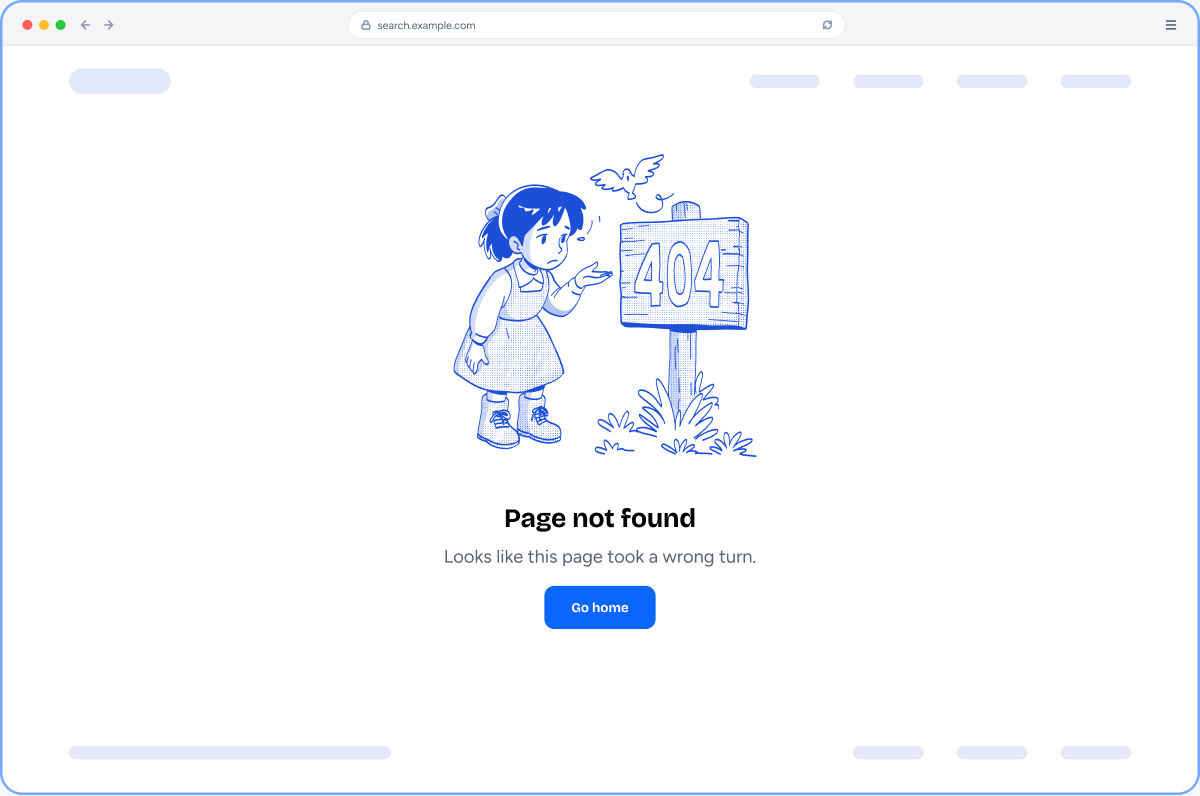
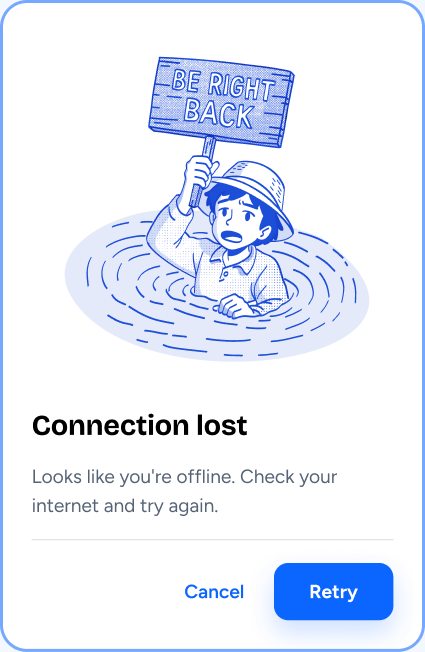
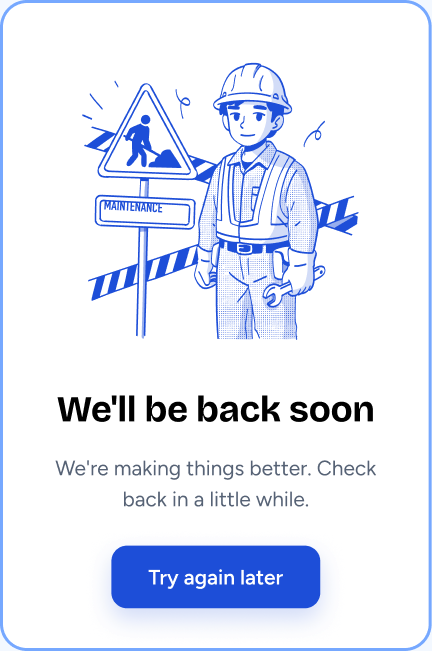
Real screens. A human touch.
A few of the example layouts
included with the illustrations.
LESS SETUP. MORE MAKING.
Your colour.
Your product.
Their personality.
Made by hand. Built for the way you work in Figma.
Open the free Figma file ↗- 01
Make yourself a copy.
Get the pack from Figma Community and duplicate it into your workspace.
- 02
Drop a character into place.
Every illustration is a component. Place an instance in your confirmation, error, or empty state.
- 03
Give it your colour.
Choose Blue, Green, Red, Orange, Purple, or Black. Edit the colour variables to match your brand.
A few good questions.
Is the pack really free?+
Yes. All 20 illustrations are free to use in your personal and commercial projects. See the InkJar licence for the full terms.
What’s inside the Figma file?+
20 hand-drawn illustrations built as components, six ready-to-use colour variables, and example boards showing them inside product UI.
Can I use my own brand colour?+
Yes. Edit the variables in the Illustration Color collection in Figma. Artwork bound to each variable follows its colour.
Where can I use these illustrations?+
Try confirmations, empty states, 404 pages, failed payments, or permission errors, wherever your product needs to explain what happened.
Make the next message
a little more human.
Get all 20 free on Figma ↗20 illustrations · 6 colour variables · Yours to make your own
MORE GOOD THINGS, OCCASIONALLY.